Multi-Device MT5 Sync: Managing Device Slots & License Keys
Guide to managing MT5 indicator License Keys across desktop PCs, laptops, and remote setups: allocate Device Slots, switch machines seamlessly, and sync charts in 1 minute.
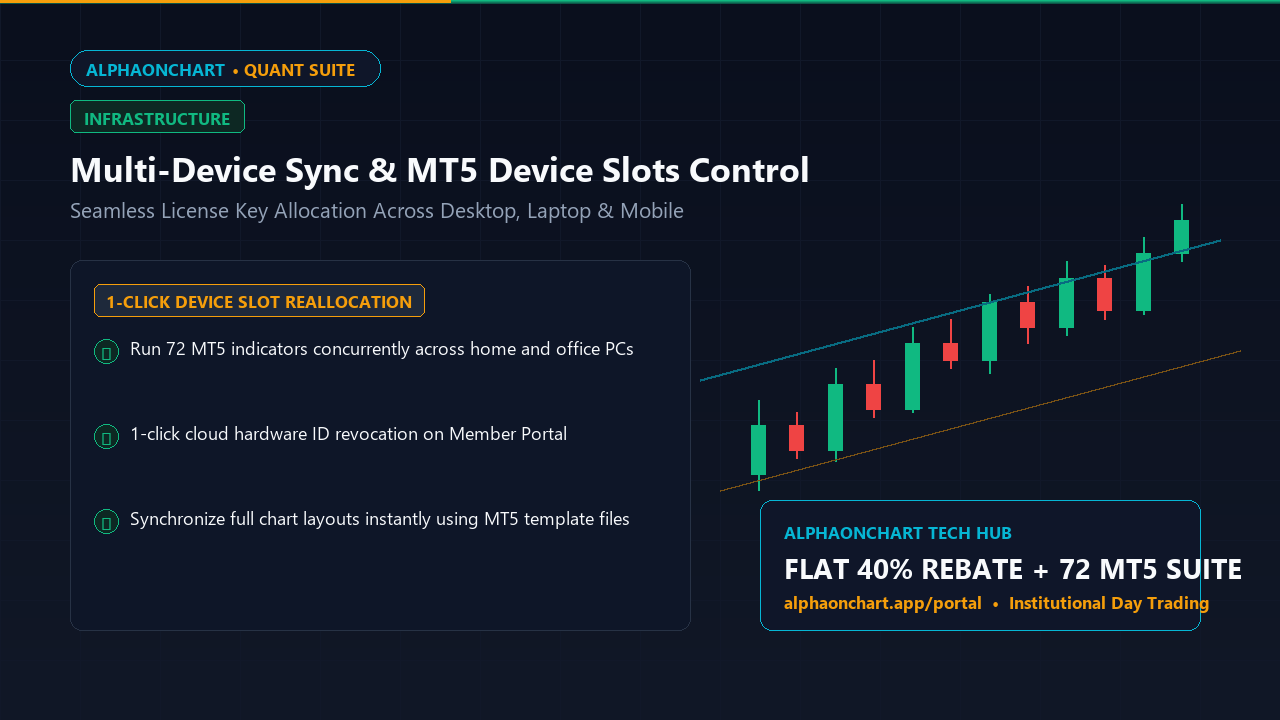
-
01
The Multi-Device Workflow of Modern Day Traders
Professional day traders rarely work from a single desk. You might analyze charts on a home desktop in the evening, trade on a laptop while traveling, or check positions from an office computer during the day. The challenge is running proprietary indicators across multiple setups without licensing lockouts.
-
02
Understanding Dynamic Device Slot Allocation on Member Portal
AlphaOnChart implements intelligent device slot licensing. Each License Key tied to your member account features concurrent machine slots. Entering your key on a new device automatically and securely registers its hardware ID (HWID).
-
03
1-Click Slot Revocation and Reassignment Workflow
Upgrading machines or removing old installations requires no tedious support tickets. Simply sign in to the AlphaOnChart Portal, open Device Management, select the unused terminal, and click Revoke Slot. The license slot frees up instantly for new activation within 10 seconds.
Visit Member Portal to Inspect and Manage Your License Slots → -
04
Chart Template Backup: Instant Sync for All 72 MT5 Indicators
To avoid re-configuring indicators manually on new machines, save your active layout as a Template (.tpl) file on personal cloud storage. On the new machine, paste the template into MT5 to replicate your entire analytical workspace instantly.
Activate Member Portal to Download Indicator Packs & License Keys →