Volume Profile Analysis: Mapping Value Areas & POC on MT5
Master Volume Profile on MT5: Identify the Point of Control (POC), Value Area High (VAH), and Value Area Low (VAL) to align entries with institutional volume.
-
01
Core Difference Between Standard Volume and Horizontal Volume Profile
Traditional vertical volume bars at the bottom of the chart show turnover over time, but obscure which specific price levels saw heavy trading. Volume Profile plots volume horizontally across price, pinpointing where institutional traders transacted thousands of contracts into natural support and resistance.
-
02
3 Key Volume Profile Metrics: POC, VAH, and VAL
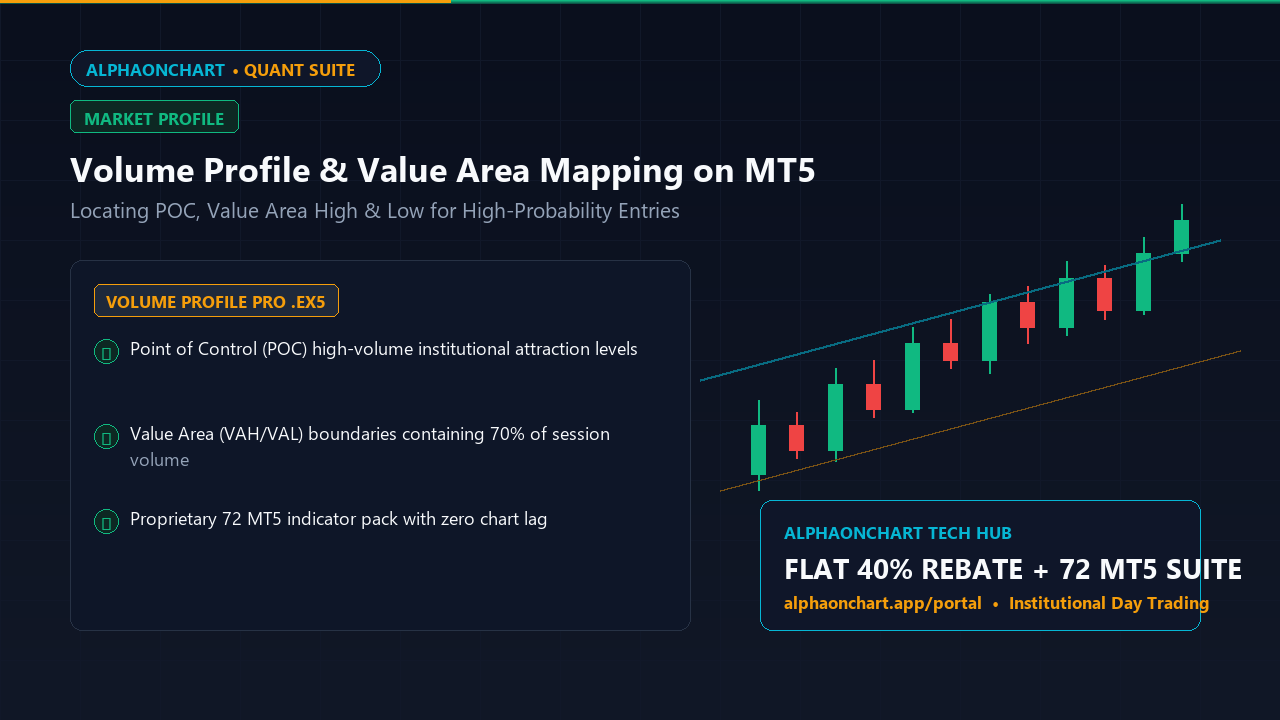
In live trading with Volume Profile, monitor three vital markers: • Point of Control (POC): The price level with the highest transacted volume, acting as an institutional price magnet. • Value Area High (VAH): The upper boundary of the Value Area containing 70% of session volume. • Value Area Low (VAL): The lower boundary. When price dips below VAL and shows rejection, it presents a mean-reversion long setup back toward the POC.
-
03
Deploying Volume Profile Pro from the 72 MT5 Indicator Collection
Standard MT5 lacks native visual volume profiles. AlphaOnChart members gain access to the pre-compiled Volume Profile Pro (`.ex5`), updating session value areas across Asian, European, and US sessions smoothly without platform lag.
Download Volume Profile Pro from the 72 Indicator Fleet on Portal → -
04
Activating Genuine Free Licensing with the AlphaOnChart Ecosystem
All 72 MT5 indicators come with lifetime free licensing for members linked under Exness or XM partner accounts. Receive 30 days of Full Pro access and immediate license keys upon opening the $300 Trader Gift Box.
Unbox the $300 Trader Gift Box to Claim Free License Keys →